Laser Barcode Marking Machine Buying Guide 2026: How to Choose & FAQs Answered
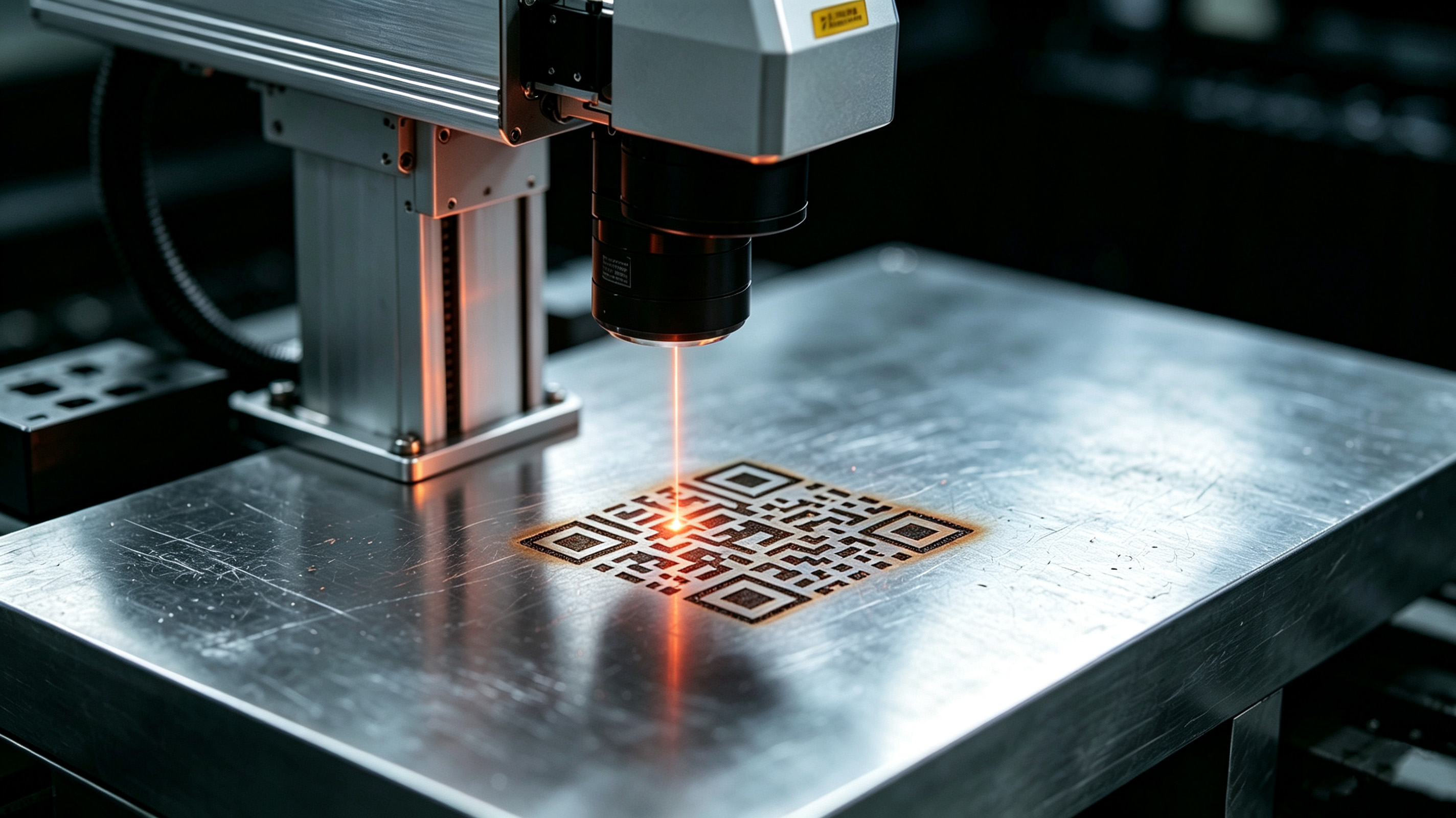
Choosing the right laser barcode marking machine is not just a purchase decision—it is a long-term investment. A laser marking machine can easily run for 8 to 10 years. Choose the wrong one, and production delays, poor marking quality, and rework costs will compound over time.
If you've already read our Laser Barcode Marking Guide, you know why laser marking beats traditional inkjet and label printers: permanence, no consumables, and resistance to heat, chemicals, and abrasion. But knowing why to choose laser is only half the battle. The real question is: which laser machine is right for your specific application?
This guide answers that question. We'll walk you through a systematic selection process, then address the most frequently asked questions about laser barcode marking—so you can make a confident, informed purchase decision.
Part 1: How to Choose the Right Laser Barcode Marking Machine
Step 1: Identify Your Material — Choose the Right Laser Type
This is the single most important decision in the selection process. Different materials absorb different wavelengths of laser light differently. Choose the wrong wavelength, and you'll get poor contrast, surface damage, or no mark at all.
Here's a clear breakdown of the three main laser types used in industrial barcode marking:
| Feature | Fiber Laser | CO₂ Laser | UV Laser |
|---|---|---|---|
| Wavelength | 1064 nm (infrared) | 10.6 μm (far infrared) | 355 nm (ultraviolet) |
| Processing Type | Thermal (hot) | Thermal (hot) | Cold (photoablation) |
| Best For | Metals, hard plastics | Wood, paper, leather, glass, acrylic | Heat-sensitive plastics, PCBs, delicate surfaces |
| Marking Precision | High | Medium | Very High |
| Thermal Impact | Medium | High | Low |
| Speed | Fast | Fast | Moderate |
| Cost | Moderate | Low to Moderate | High |
|
Maintenance
|
Low | Moderate | Moderate |


Quick Selection Rule: Metals → Fiber Laser | Non-metals (packaging, wood, paper) → CO₂ Laser | Heat-sensitive /percision plastics → UV Laser
Fiber Laser (1064nm) — The Metal Specialist
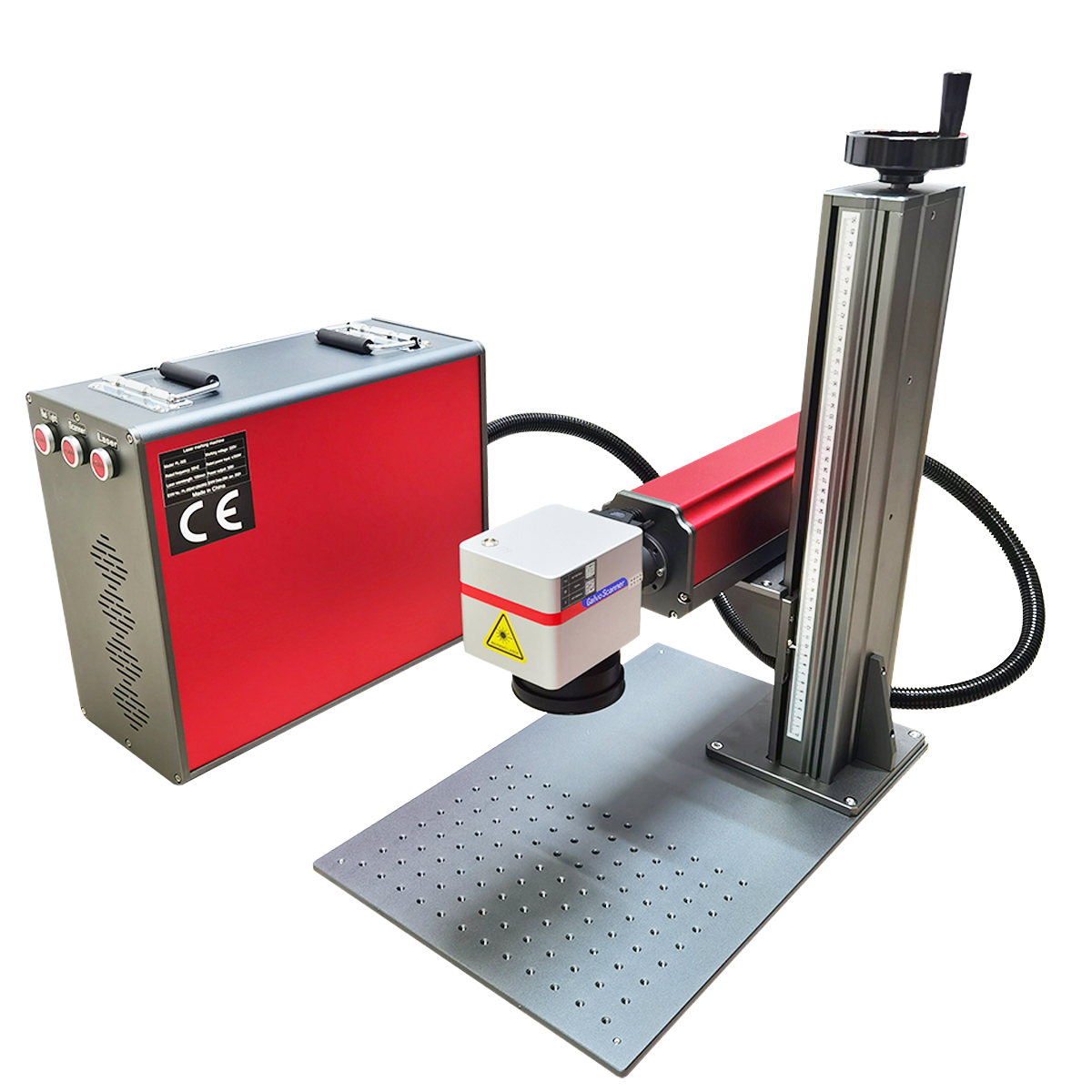
Fiber lasers are the most common choice for laser barcode marking on metals. They are highly efficient, fast, and require minimal maintenance. They are ideal for direct part marking applications such as serial numbers, barcodes, QR codes, and permanent traceability marks on metal.
Best for:
-
Stainless steel, aluminum, brass, copper
-
Coated metals and anodized parts
-
Engineering plastics (ABS, polycarbonate, PBT)
-
Automotive and aerospace components
Limitations:
-
Not suitable for clear or transparent materials
-
Limited effectiveness on organic substrates like wood or paper
CO₂ Laser (10.6μm) — The Non-Metal Workhorse
CO₂ lasers are the most versatile option for marking organic and non-metallic materials. They are strongly absorbed by organic materials, making them highly effective for marking non-metals.
Best for:
-
Paper, cardboard, and packaging materials
-
Wood, leather, and textiles
-
Glass and acrylic
-
Food and beverage packaging (expiry dates, batch codes)
Limitations:
-
Not suitable for marking bare metals
-
Typically larger systems than fiber
UV Laser (355nm) — The Precision Cold Marker
UV laser marking is often referred to as "cold marking". Rather than burning the surface, UV lasers break molecular bonds within the material. This results in clean, high-contrast marks with no melting, deformation, or thermal stress.
Best for:
-
Medical-grade plastics and heat-sensitive materials
-
Sensitive electronic components and PCBs
-
Glass, ceramics, and flexible films
-
Micro-marking applications
Why it costs more: UV laser technology is more complex and requires stricter cooling and environmental controls. The general cost tier is: CO₂ (entry-level) → Fiber (mid-range) → UV (high-end).
Step 2: Evaluate Precision and Speed Requirements
Once you've identified the right laser type, you need to match the machine's performance to your production needs.
Marking Precision:
-
Fiber laser spot size: 10–30 μm
-
CO₂ laser spot size: 50–100 μm
-
UV laser spot size: <10 μm
For tiny Data Matrix codes on electronic components or medical devices, UV lasers offer the finest detail. For standard-sized barcodes on metal parts, fiber lasers provide more than sufficient precision.
Marking Speed:
-
High-quality galvo-based laser marking machines are recommended for high-throughput production (thousands of parts per day)
-
Fiber and CO₂ lasers operate at fast speeds; UV lasers are moderate
Avoid over-specifying or under-specifying: Choosing a machine with unnecessarily high power or precision adds cost without benefit. Conversely, under-specifying leads to slow production and poor mark quality.
Step 3: Consider Software & System Integration
Modern laser marking is about more than hardware—software capability is equally critical.
Key software requirements:
-
Dynamic data generation: The system must support real-time generation of serial numbers, production dates, batch codes, and unique identifiers (UIDs)
-
Barcode/2D code support: Ensure the machine supports the code types you need—CODE39, CODE128, UPC, GS1 DataBar, QR Code, Data Matrix Code
-
System integration: The ability to connect with MES (Manufacturing Execution Systems) and ERP (Enterprise Resource Planning) systems for automated production traceability
Step 4: Evaluate Configuration and Cost
In-line vs. Off-line:
-
In-line (integrated): Built into automated production lines—ideal for high-volume, continuous production
-
Off-line (standalone/benchtop): Flexible and mobile—ideal for low-volume, high-mix production or laboratory settings
Cooling method:
-
Air-cooled: Lower operating cost, suitable for mid-to-low power machines
-
Water-cooled: Required for high-power, continuous operation
Cost structure:
Evaluate both initial purchase cost and long-term operating cost. Laser systems generally require minimal routine maintenance and have no consumables (no inks, ribbons, or solvents), making operating costs predictable and low.
Step 5: Evaluate Vendors & Request Sample Marking
Always request a sample test: The same material can produce drastically different marking results depending on its composition, additives, and surface treatment. Before purchasing, insist that the vendor mark your actual products and verify the results with your own barcode scanners.
Evaluate service capability: Consider the vendor's local service response time and technical support quality. Equipment maintenance and process support directly impact production continuity.
Pro Tip: Laser marking systems can be integrated into high-speed production lines and are suitable for continuous production environments, automated manufacturing, and packaging lines. Work with an application engineer to ensure your chosen system integrates seamlessly with your existing workflow.
Part 2: Top FAQs About Laser Barcode Marking
Q1: The barcode/QR code looks clear, but the scanner sometimes can't read it. Why?
This is one of the most common problems in laser barcode marking. Here are the main causes:
1. Scanning angle: Most barcode scanners have a relatively low tolerance. If the scanner is positioned vertically (90° to the code), the read rate is lower. Try adjusting the scanning angle—tilting the scanner often improves read rates significantly.
2. Metal reflection (DPM codes): Direct Part Marks (DPMs) on metal surfaces are fundamentally hard to read. A laser-etched Data Matrix code has no color contrast—the mark and the background are the same color. What remains is surface contrast: the physical geometry of the etched cells scatters light differently than the smooth background.
If your reader's lighting geometry doesn't exploit that scattering effect, the camera sees a uniform gray rectangle and reports "No-Read".
Solutions:
-
Use image-based barcode scanners (not laser-based scanners)—only image-based readers can reliably read DPM codes
-
For polished metal surfaces, use bright field illumination (coaxial light)—rough, light-scattering marked areas appear dark against the bright, mirror-like background
-
For curved or textured surfaces, use diffuse dome illumination to eliminate hard shadows and hotspots
-
Consider DPM verification according to ISO 29158 standards to ensure code readability across devices
3. Code damage or poor quality: Laser parameters not optimized for automatic reading can result in unreadable Data Matrix codes. Industrial scanners typically require minimum contrasts of 80% according to ISO/IEC 15415 standards.
Q2: The laser marking is blurry or distorted. What's wrong?
There are three main categories of causes:
1. Software/settings issues:
-
Incorrect laser power, frequency, or speed settings
-
Marking parameters not optimized for the specific material
2. Hardware issues:
-
The laser resonator may have shifted—micro-adjust the resonator mirrors
-
The acousto-optic crystal may be misaligned, or the AO power supply output may be low
-
The marking card may be incompatible with the laser type (e.g., using a CO₂ marking card on a fiber laser machine)
3. Environmental factors:
-
The working distance (focal length) may be incorrect
-
The lens may be dirty—regular cleaning with lens paper and alcohol is essential
-
Fumes generated during marking may be blocking the laser beam
4. Production line mismatch:
-
Marking speed not synchronized with production line speed can cause character distortion or missed marks
-
For laser marking on glass, recommended settings: power 15–30%, frequency 20–50 kHz, speed 300–500 mm/s—too slow causes heat buildup and thick lines, too fast causes discontinuous lines
Q3: Can lasers mark on transparent or reflective materials?
Transparent materials: Laser marking is generally not effective on transparent materials because transparent substances allow light to pass through rather than absorbing it.
Reflective materials (e.g., polished metals, copper, aluminum): High-reflectivity materials can reflect the laser beam back, preventing effective marking.
Solutions:
-
For reflective metals, use a fiber laser with anti-reflection protection or an optical isolator
-
For transparent materials like glass, CO₂ lasers can create durable frosted marks
-
For heat-sensitive materials, UV lasers provide the best results with minimal thermal impact
Q4: How can I improve the contrast and readability of 2D codes on metal surfaces?
1. Optimize laser parameters: Improper parameters (power, frequency) can cause blurred edges and dot, affecting decoding accuracy. Adjust parameters specifically for your material.
2. Choose the right wavelength: Fiber lasers at 1064nm can enhance contrast on metal surfaces. UV lasers offer outstanding contrast on sensitive materials.
3. Surface preparation: Scratches, oxidation, or oil contamination on the metal surface can破坏 code integrity. Ensure the surface is clean before marking.
4. Control marking depth and roughness: Optimize cell wall roughness and vaporization capability to improve barcode quality grades.
5. Consider verification: Barcode verification helps determine whether a code will be readable across devices. Skipping verification introduces unnecessary risk.
Q5: What daily maintenance does a laser marking machine require?
Laser systems generally require minimal routine maintenance:
-
Clean optical components: Regularly clean the lens with专用 lens paper and anhydrous alcohol
-
Replace filters: Replace fume extractor filters as needed
-
Basic alignment checks: Periodically check and adjust alignment
-
Check the cooling system: Verify the chiller is operating normally, especially for water-cooled systems
With no consumables, operating costs remain predictable and low.
Q6: What's the cost difference between fiber, CO₂, and UV lasers?
The cost tier is generally: CO₂ (entry-level) → Fiber (mid-range) → UV (high-end).
-
CO₂ lasers: Lowest initial cost—typically $1,500–$5,000
-
Fiber lasers: Mid-range—typically $5,000–$50,000
-
UV lasers: Highest cost—typically $10,000–$80,000
UV lasers cost more because the technology is more complex, requires stricter cooling and environmental controls, and uses frequency-tripled laser beams to achieve the 355nm wavelength.
Note: Prices vary significantly by brand, power, and configuration. Always request a formal quote based on your specific requirements.
Conclusion: Making Your Final Decision
Selecting the right laser barcode marking machine comes down to answering five key questions:
-
What material am I marking? → This determines your laser type (Fiber/CO₂/UV)
-
What precision and speed do I need? → This determines power and configuration
-
What data do I need to encode? → This determines software and integration requirements
-
What's my production environment? → This determines in-line vs. off-line, cooling method
-
Who is my vendor? → Service and support matter as much as the machine itself
The golden rule: There is no "best" machine—only the machine that best fits your specific application. Always request a sample test with your actual materials before making a purchase decision.
Want to understand why laser marking beats traditional barcode printing? Read our Laser Barcode Marking Guide for a complete comparison.
Ready to find the right machine for your application? Contact us for a free consultation and sample marking test.
Where to Buy Industrial Laser Markers: Your Complete Sourcing Guide
Related Article