Diode, CO2, or Fiber Laser: A Simple Guide to Picking Your Power Tool
Walking into the world of laser cutters and engravers feels like learning a new language. You hear about diode, CO2, and fiber lasers, each with fans claiming it's the best. The truth is simpler: they're different tools for different jobs. Picking the wrong one is like using a screwdriver to hammer a nail—it leads to frustration and wasted money. Let's break down each type in plain language so you can match the tool to your materials and goals.
1. A Quick Look at Our Three Contenders
Think of these lasers as specialists in their own fields. The versatile CO2 laser machine is the all-around champ for wood, plastic, and fabric. The powerful fiber laser engraver is the undisputed expert for marking and etching metal. The humble diode laser is the affordable and compact starter, great for learning and light work. Understanding this split is the first step to a smart choice.
2. Diode Lasers: The Starter Kit
Diode lasers are your entry ticket. They work like a powerful laser pointer and are known for being budget-friendly and easy to set up.
Top 6 Perks:
-
Low Cost: The most affordable way to start laser engraving.
-
Compact Size: Fits on a desktop easily.
-
Simple to Use: Often truly plug-and-play.
-
Energy Efficient: Uses less power.
-
Quiet: Minimal operational noise.
-
Visible Beam: The blue-purple light is easy to see for safety.
What Can It Handle?
It's best for organic materials: wood (engraving and thin cuts), leather, paper, fabric, and dark-colored acrylic. It can also mark anodized aluminum (leaving a white mark). It’s a fantastic starter laser for hobbyists.
The Downsides:
-
Lower Power: Slow at cutting and can't handle thick materials.
-
Limited Scope: Can't cut clear acrylic or work with metals effectively.
-
Speed: It's the slowest of the three options.
3. CO2 Lasers: The Versatile Workshop Hero
This is the classic laser machine you see in many workshops. A CO2 laser machine uses a gas-filled tube to create its beam and is famous for its flexibility with non-metal materials.
Top 4 Strengths:
-
Material Master: The best choice for cutting and engraving wood, acrylic, leather, glass, and more.
-
Great for Cutting: Makes clean, fast cuts through materials up to about ½ inch thick.
-
Beautiful Engraving: Produces high-contrast, detailed engravings, especially on wood and coated surfaces.
-
Proven & Supported: A mature technology with tons of online resources and community help.
Ideal Materials for a CO2 Laser:
For cutting & engraving: Wood, acrylic, leather, MDF, fabric, paper.
For engraving/marking: Glass, stone, ceramics, anodized aluminum, painted metals.
The Limitations:
-
Bulky: Requires more space and serious ventilation/fume extraction.
-
Maintenance: The laser tube loses power over time and needs replacing (an ongoing cost).
-
Not for Metals: It cannot cut metal and has very limited ability to mark it.
4. Fiber Lasers: The Metal Specialist
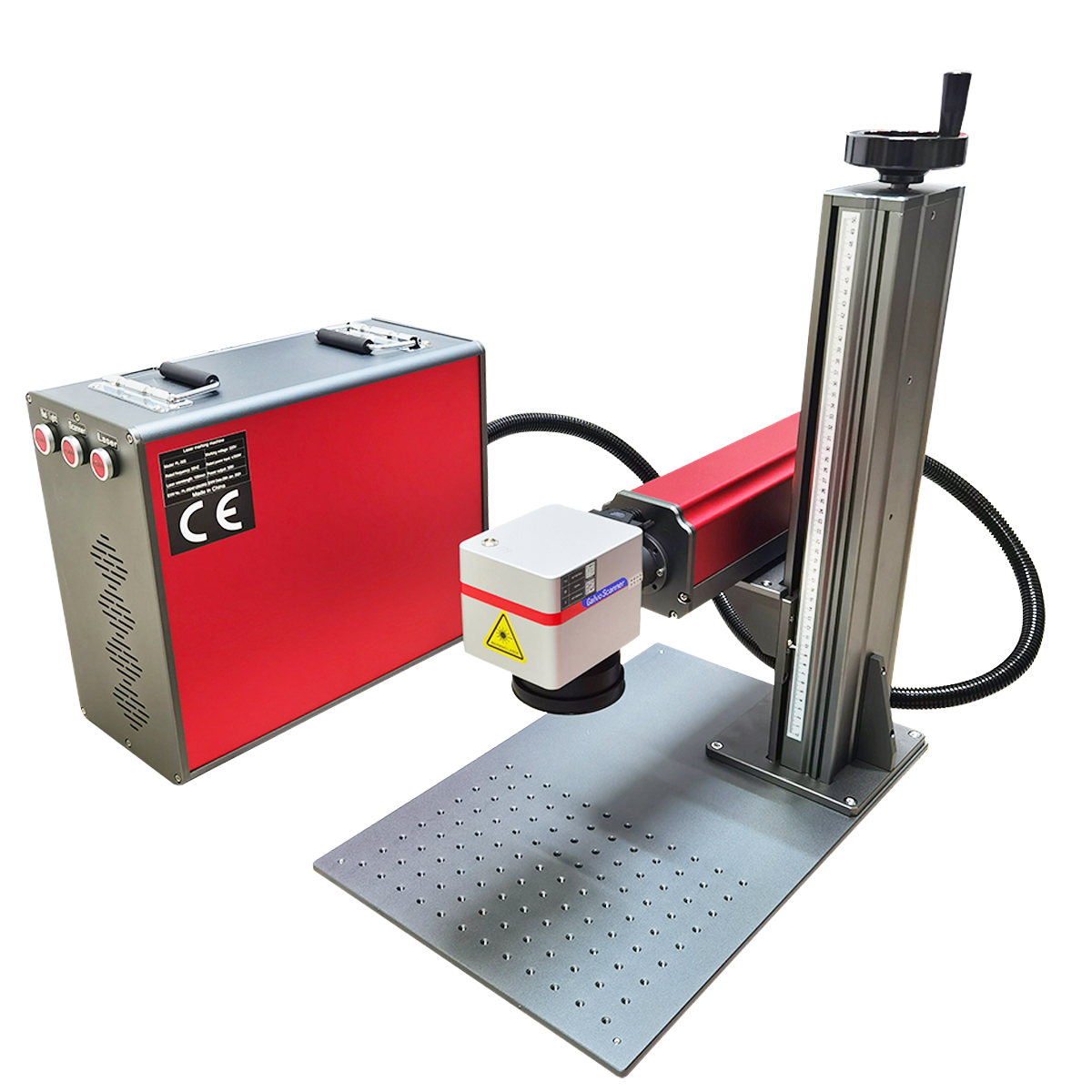
Don't let the name confuse you—a fiber laser engraver isn't for cutting fabric. Its beam is generated inside a fiber optic cable, making it incredibly efficient for interacting with metals.
Top 6 Advantages:
-
Metal Mastery: The #1 choice for permanently marking, engraving, or lightly cutting metals.
-
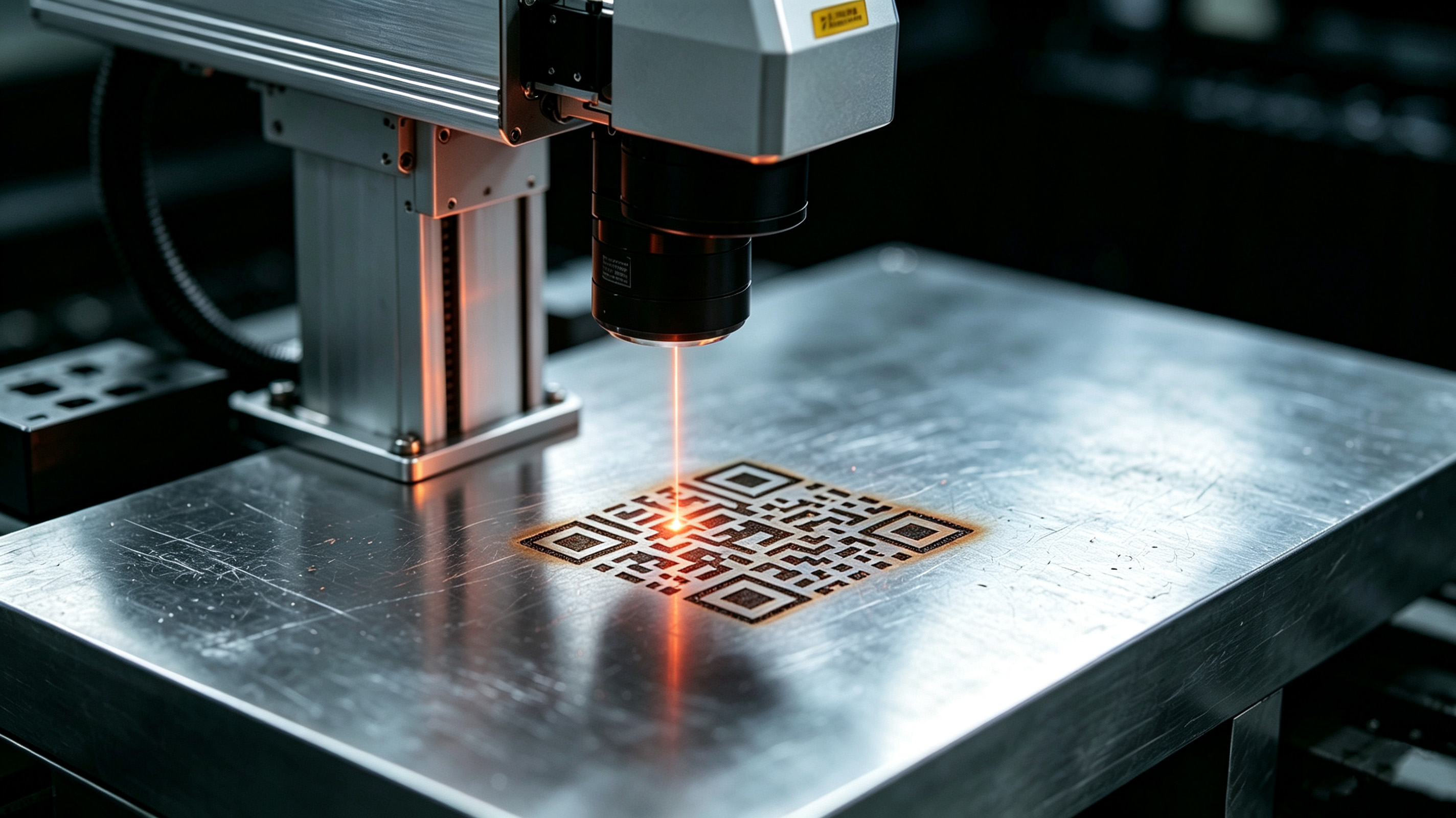
Extreme Precision: Can create incredibly fine details, like tiny serial numbers and perfect barcodes.
-
Blazing Speed: Operates much faster than CO2 or diode on compatible materials.
-
Low Maintenance: No tubes, mirrors, or gases to worry about. It's a solid, sealed system.
-
High Efficiency: Converts most of its electricity into laser light, saving energy.
-
Long Life: The laser source can last for decades under normal use.
What is a Fiber Laser Engraver Best For?
Metals, metals, and more metals: steel, aluminum, brass, copper, titanium. It also works on some plastics and ceramics. For a shop focused on metal parts, tools, or industrial tagging, a fiber laser engraver is essential.
The Limitations:
-
High Cost: The biggest upfront investment of the three.
-
Poor on Organics: It will burn and char wood or acrylic instead of cutting cleanly.
-
Specialized: It's primarily a marking/etching tool, not a heavy-duty cutter for thick metal plate.
5. Side-by-Side Comparison
| Feature | Diode Laser | CO2 Laser Machine | Fiber Laser Engraver |
|---|---|---|---|
| How It Works | Semiconductor Diodes | Excited CO2 Gas | Doped Optical Fiber |
| Best At | Engraving & Thin Cuts | Cutting & Engraving Non-Metals | Marking & Engraving Metals |
| Running Costs | Very Low | Medium (Tube Replacement) | Very Low |
| Cutting Strength | Weak | Strong (on wood, acrylic) | Medium (on thin metal) |
| Engraving Quality | Good on Wood/Leather | Excellent on Wood/Glass | Superb on Metal |
| Material Scope | Narrow | Very Broad (Non-Metals) | Narrow (Metals & Plastics) |
6. Real-World Jobs for Each Laser
-
Diode Laser: Personalized wooden gifts, leather keychains, paper crafts, prototype modeling.
-
CO2 Laser Machine: Sign-making, acrylic displays, intricate wooden puzzles, custom apparel, architectural models.
-
Fiber Laser Engraver: Serial numbers on tools, logos on stainless steel water bottles, medical device markings, automotive part tracking, jewelry personalization.
7. Making the Smart Choice for Your Shop
Forget the hype. Ask yourself these questions:
-
What materials will I use MOST? (This is the most important question).
-
Is my main goal beautiful cutting, deep engraving, or permanent metal marking?
-
What's my total budget for the machine, setup, and upkeep?
Here’s the simple rule of thumb: If you work with wood, acrylic, and paper, get a CO2 laser machine. If you work with metal parts and industrial products, you need a fiber laser engraver. If you're on a tight budget, want to learn, and work with thin, soft materials, start with a diode laser.
How Does Fiber Laser Marking Create Perfect, Lasting Graphics?
How to Choose a High-Speed Laser Marking Machine
Related Article