QR Code Laser Engraving: The Ultimate Guide to Durable Scannable Markings
author: Jenny Joo
2026-01-20
What is QR Code Laser Engraving?
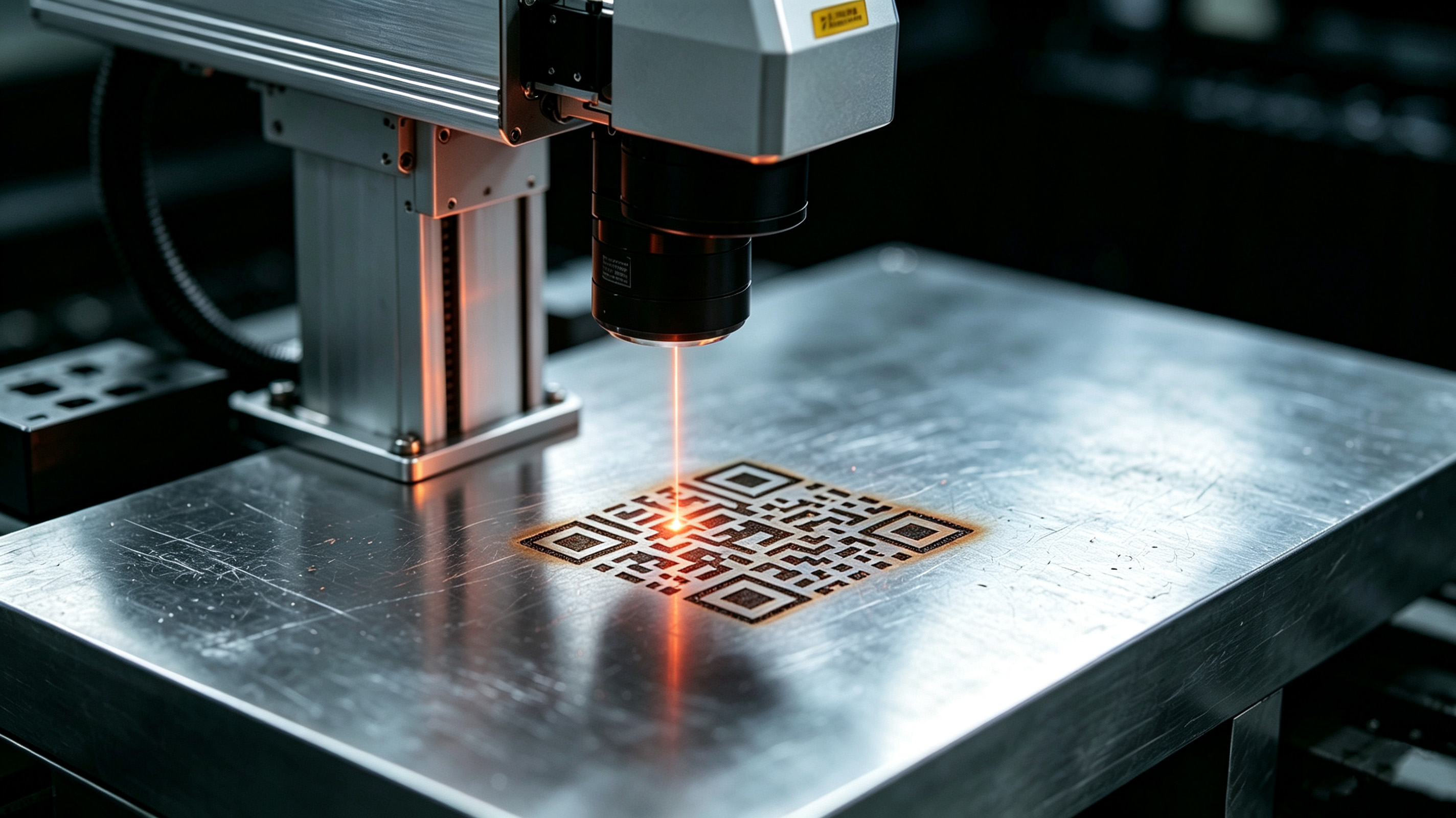
QR code laser engraving is the process of permanently etching scannable 2D barcodes onto physical surfaces using laser technology. Unlike printed stickers that fade or peel, these laser-engraved codes resist wear, chemicals, and heat, making them ideal for industrial traceability, marketing, and creative projects. With qr code laser engraving, businesses can create durable connections between physical products and digital experiences.
Which Laser Machine is Best for QR Code Engraving?
Choosing the right laser depends on your material:
| Material | Best Laser Type |
|---|---|
| Metal (stainless steel, aluminum) | Fiber Laser |
| Wood, acrylic, plastic | CO₂ Laser |
| Glass, ceramics | UV Laser |
For beginners, diode lasers offer portability and cost-effectiveness. For industrial applications, fiber lasers provide the precision needed for high-volume qr code laser engraving.

How Does Laser Engraving a QR Code Work?
The process follows these basic steps:
- Generate the QR code in vector format (SVG recommended)
- The laser follows the code pattern, removing material or altering surface texture
- Creates contrast between marked and unmarked areas
- Results in a sharp, scannable code that lasts for years
Step-by-Step Guide to Laser Engraving QR Codes
Step 1: Choose Your Material
Different materials require different settings. Common choices include:
- Wood for rustic signage
- Acrylic for modern displays
- Metal for durable industrial tags
Step 2: Select Your Laser Engraving Machine
Match your machine to your material. For most hobbyists, a 20W diode laser works well for wood and acrylic. For metal engraving, invest in a fiber laser system.
Step 3: Prepare Your QR Code Design
Use free online generators like QRCode Monkey to create your code. Export in SVG format for best results. Test scannability before engraving.
Step 4: Load and Position Design
Import your QR code into laser software like LightBurn. Use measurement tools to ensure proper placement and size (minimum 10x10mm for easy scanning).
Step 5: Adjust Laser Settings
Start with these baseline settings:
- Power: 5-10% for acrylic
- Speed: 300-500 mm/s
- Resolution: 300 DPI Always test on scrap material first.
Step 6: Start Engraving
Secure your material and hit start. Monitor the process and ensure proper ventilation, especially when engraving acrylic.
Step 7: Verify the QR Code
Use multiple devices to test scannability. Ensure the code links to the correct digital content.
5 Creative Ideas for Laser Engraved QR Codes
1. Social Media QR Plaques (Wood)
Engrave your Instagram or TikTok QR code on wooden boards for retail displays. Customers can scan to follow your brand instantly.
Engrave your Instagram or TikTok QR code on wooden boards for retail displays. Customers can scan to follow your brand instantly.
2. WiFi QR Coasters (Acrylic)
Create stylish coasters with scannable WiFi codes. Perfect for cafes, co-working spaces, or home entertaining.
3. Metal Business Cards
Add a QR code linking to your digital portfolio or contact page. Impress clients with this modern networking tool.
Add a QR code linking to your digital portfolio or contact page. Impress clients with this modern networking tool.
4. Product Authentication Tags
Use qr code laser engraving to add permanent authentication codes to luxury goods or electronics.
Use qr code laser engraving to add permanent authentication codes to luxury goods or electronics.
5. Interactive Art Installations
Engrave QR codes on sculptures or paintings that lead to artist interviews or process videos.
Engrave QR codes on sculptures or paintings that lead to artist interviews or process videos.
Case: Engrave WiFi QR Code on Metal in 5 Steps
- Choose Material: 1mm stainless steel sheet
- Select Machine: 20W fiber laser engraver
- Generate QR Code: Use online WiFi QR code generator
- Position: Secure metal sheet in laser bed
- Engrave: Use 10% power, 400 mm/s speed
Safety Precautions
- Wear laser safety goggles
- Ensure proper ventilation for fume extraction
- Secure materials with clamps
- Keep fire extinguisher nearby for wood or plastic engraving
QR code laser engraving offers endless possibilities for connecting physical objects with digital experiences. Whether for industrial traceability, marketing, or creative projects, this technology provides durable, scannable solutions that stand the test of time. With the right equipment and techniques, anyone can master qr code laser engraving to create professional results.
Can Your Product Pass the "Recall Test"? Why Laser Marking is Your Best Bet
How Does Fiber Laser Marking Create Perfect, Lasting Graphics?
Related Article
Not sure which laser barcode marker fits your production? Compare laser types, learn key specs, and get answers to common questions. Request a free sample marking today.
Laser Barcode Marking Machine Buying Guide 2026: How to Choose & FAQs Answered
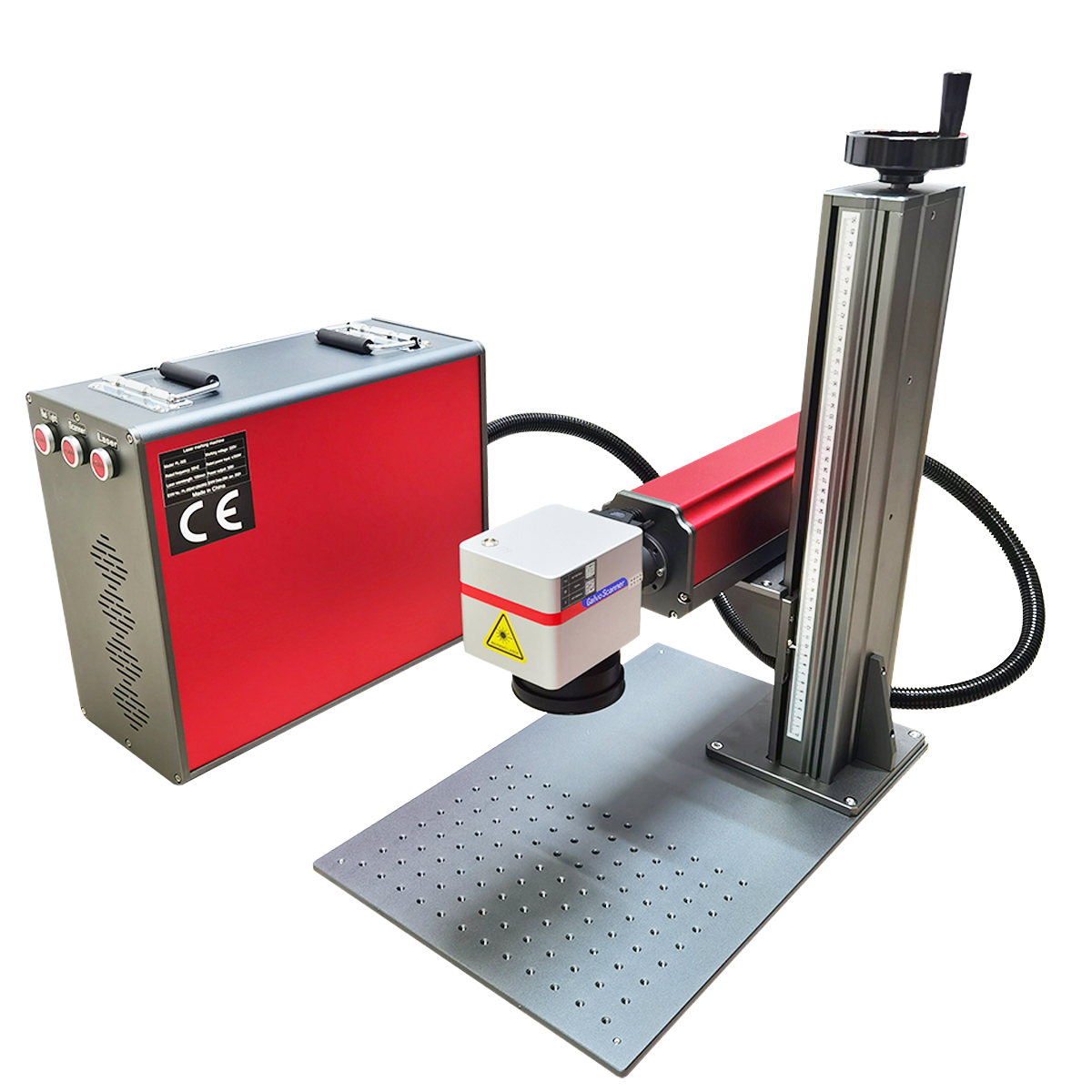
Looking for a reliable industrial laser marker supplier? Compare fiber, CO₂, and UV laser markers. Discover why ZGLC Laser is the trusted partner for laser marking barcodes and more.
Where to Buy Industrial Laser Markers: Your Complete Sourcing Guide